


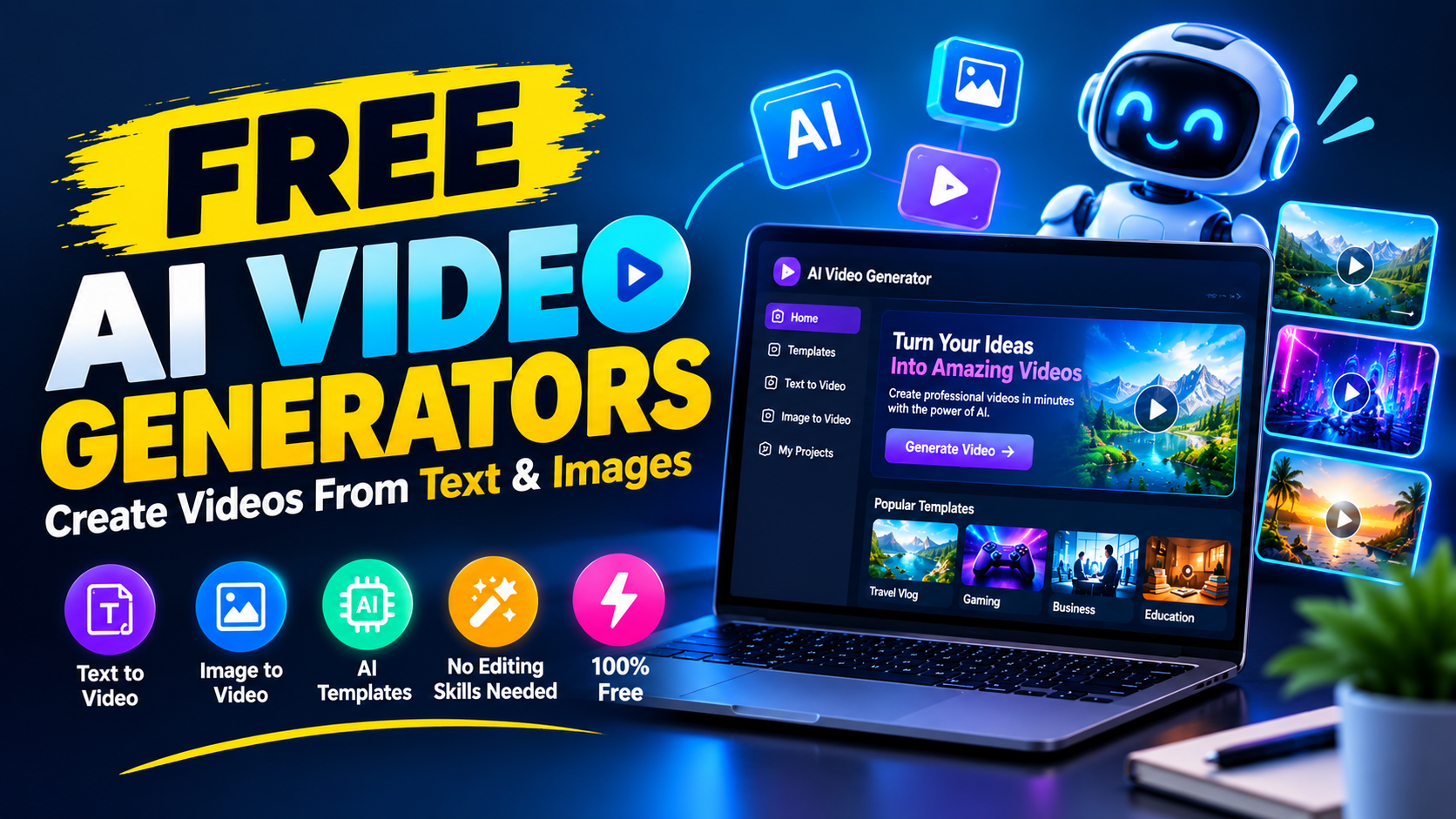
Video creation is no longer limited to people who own expensive cameras or know professional editing software. Artificial intelligence has opened a new way to create visual content, allowing beginners to produce videos from written instructions, pictures, and simple ideas.
A free AI video generator can help turn a short description into an animated scene, add movement to a still picture, create presentation-style videos, or assist with editing. This makes AI video technology useful for bloggers, YouTubers, social media creators, students, marketers, and small businesses.
However, choosing the right tool can be confusing because every platform offers different features, free limits, export options, and pricing plans.
This guide explains how AI video generators work, what you can create with them, and what you should consider before choosing a free tool.
What Is an AI Video Generator?
An AI video generator is software that uses artificial intelligence to produce or modify video content according to instructions given by the user.
Instead of recording every scene with a camera, you can describe the scene you want. The AI then attempts to create the requested visual content.
For example, you might describe a scene like this:
A small fishing boat moving across a calm lake during early morning, mist above the water, soft sunlight, realistic cinematic appearance.
The system interprets elements such as the subject, location, movement, lighting, and visual style and uses them to produce a video clip.
Some platforms can also work with an existing picture. In that case, you can tell the AI how you want the picture to move rather than creating the entire scene from scratch.
How Does AI Video Generation Work?
Although the technology behind these systems is complex, using one is usually straightforward.
The typical workflow looks something like this:
1. Decide What You Want to Create
First, think about the scene, story, advertisement, or social media clip you want.
Having a clear idea before opening the tool can save time and reduce unnecessary generations.
2. Describe the Scene
Enter your instructions into the prompt box.
Mention the important details rather than relying on a very short description.
3. Select Available Settings
Depending on the platform, you may be able to choose the video orientation, duration, style, quality, or other generation settings.
4. Generate a Preview
The AI processes your request and produces a video based on the information you provided.
5. Improve the Result
The first attempt may not perfectly match your idea. You can adjust the wording, remove unnecessary details, or change the requested action and try again.
6. Finish the Video
After creating suitable clips, you can combine them with narration, music, captions, sound effects, or other elements in a video editor.
What Can You Create With Free AI Video Generators?
The usefulness of an AI video tool depends on its features, but there are many possible applications.
YouTube Shorts
Short-form videos are a natural fit for AI-generated clips.
Creators can use AI visuals for:
- Short stories
- Interesting facts
- Motivation
- Animals
- History
- Technology
- Travel concepts
- Educational content
- Entertainment
A vertical format is usually the better choice when preparing content specifically for Shorts.
TikTok and Reels
AI can help social media creators experiment with unusual visual ideas without arranging a physical shoot.
For example, a creator could develop a fantasy environment, animated character, futuristic city, or fictional product advertisement.
Blog Content
Bloggers can use short videos to complement written articles.
An article about technology, travel, history, or a how-to subject could include a related video that explains or illustrates the topic.
Business Promotion
Small businesses can experiment with AI-assisted promotional videos for products and services.
For example, a business could create a short visual concept showing how a product might be used in everyday life.
Educational Projects
Students and teachers can use AI-generated visuals to make presentations and educational material more interesting.
Visual demonstrations can sometimes explain an idea more effectively than a page of text.
Text-to-Video AI
Text-to-video is one of the most interesting features available in modern AI video software.
With this approach, the written description becomes the starting point for the video.
Consider these two prompts:
Basic prompt:
A car driving on a road.
More detailed prompt:
A silver sports car traveling along a winding mountain road at sunset, viewed from a low tracking camera, realistic road reflections, dramatic clouds and natural motion.
The second version gives the model considerably more information about the intended scene.
That does not mean longer prompts are always better. Clear instructions are generally more useful than filling the prompt with unnecessary words.
Image-to-Video AI
You don’t always have to start with text.
Some AI video generators can take a still image and create movement from it.
For example, imagine you have a photograph of a mountain landscape. You could instruct the system to create a gentle camera movement while clouds pass slowly across the sky.
This approach is particularly useful for:
- Photographs
- Illustrations
- Product images
- AI artwork
- Character images
- Digital artwork
Image-to-video generation can also give creators more control over the appearance of the starting scene.
How to Write Better AI Video Prompts
The quality of your instructions can influence the result.
A useful prompt normally explains the important parts of the scene.
Subject
Tell the AI what should be visible.
Example:
A young cyclist
Action
Explain what the subject is doing.
Example:
riding slowly along a countryside road
Environment
Describe the surroundings.
Example:
green fields and distant mountains
Lighting
Specify the time or lighting conditions.
Example:
warm evening sunlight
Camera Movement
If the tool supports camera instructions, explain how the viewpoint should behave.
Example:
slow side-tracking camera
Visual Appearance
You can describe the desired look.
Example:
natural, realistic documentary style
Combining these elements can make your instructions much clearer.
Are Free AI Video Generators Actually Free?
This is where users need to be careful.
The word “free” does not necessarily mean that a service provides unlimited video generation at no cost.
A platform may offer a free account while placing restrictions on certain features.
For example, the free version may have:
- A limited credit balance
- A maximum number of generations
- Short clips
- Lower output quality
- Watermarked exports
- Fewer editing features
- Limited downloads
Some services replenish free credits after a certain period, while others provide a one-time trial.
Because pricing and feature limits can change, check the provider’s current terms before depending on a particular service.
Free AI Video Generator Without Watermark
Many people specifically search for a free AI video generator without a watermark.
This feature is worth checking before you start creating a large collection of videos.
A free plan may allow video generation but restrict clean exports to paid subscribers. Another platform may allow watermark-free downloads but provide only a small number of free credits.
Therefore, compare the actual export conditions instead of relying only on the word “free.”
If you plan to publish videos professionally, also check whether the service gives you the necessary rights to use the generated material.
What Should You Look For in a Free AI Video Tool?
Choosing a tool based only on its popularity can lead to disappointment.
Before signing up, consider the following:
| Feature | Why It Matters |
| Free credits | Determines how much you can create without paying |
| Text-to-video | Useful for generating scenes from descriptions |
| Image-to-video | Helpful for animating existing artwork |
| Output quality | Important for professional-looking content |
| Video length | Determines how much content you can create per generation |
| Watermark | Important if you want clean exports |
| Download options | Determines whether you can save your work |
| Commercial rights | Important for monetized or business content |
| Aspect ratios | Useful when creating content for different platforms |
| Mobile support | Helpful for creators who work from a phone |
Using AI Video Generators on Mobile
Many creators prefer working from a smartphone rather than a computer.
If you plan to create videos on mobile, look for a service with a responsive website or dedicated mobile application.
A mobile-friendly workflow can allow you to:
- Write a prompt on your phone.
- Generate a clip.
- Save the result.
- Edit it in a mobile video editor.
- Add captions and audio.
- Publish it to your preferred platform.
The exact features available on mobile can vary from one service to another.
AI Video Generators for YouTube
AI can be useful during several stages of YouTube production.
For example, a creator might use AI to produce background scenes, visual illustrations, or short clips for a narrated video.
However, generating footage is only one part of creating a good YouTube video.
A stronger workflow combines:
- Original research
- A useful script
- Appropriate visuals
- Narration
- Editing
- Sound design
- A compelling opening
- Clear storytelling
The goal should be to create something viewers actually want to watch rather than simply producing as many AI clips as possible.
Can AI Video Generators Help With Online Earning?
AI video software can become part of a larger online business or content strategy.
For example, creators may use these tools when producing:
- Social media videos
- YouTube content
- Short advertisements
- Promotional material
- Freelance video projects
- Educational videos
- Product presentations
However, an AI tool itself does not guarantee income.
Clients and audiences still care about the quality and usefulness of the finished content.
If you want to offer AI video services, learning basic storytelling and editing can make your work much more valuable.
Advantages of Free AI Video Generators
There are several reasons beginners are interested in these tools.
Lower Entry Cost
Free plans allow users to experiment without immediately purchasing expensive software.
Faster Experimentation
You can test multiple visual ideas without arranging a complete filming session for every concept.
Beginner Friendly
Many platforms are designed around simple prompts and visual controls.
Creative Possibilities
AI can help visualize scenes that would be difficult, expensive, or impossible to record in the real world.
Useful Across Different Platforms
A single concept can often be adapted for YouTube, Facebook, TikTok, Instagram, or a personal website.
Limitations of AI Video Generators
AI video generation still has some weaknesses.
The system may occasionally create:
- Unnatural movement
- Incorrect object details
- Changing character appearances
- Strange facial expressions
- Inconsistent backgrounds
- Unwanted objects
- Motion that does not match the prompt
Free users may also face generation limits or slower processing.
For this reason, don’t be surprised if you need several attempts before getting a clip that works well.
How to Get Better Results
A few simple habits can improve your workflow.
Keep Individual Scenes Focused
Instead of asking the AI to create a complicated sequence containing many actions, break the story into smaller scenes.
Describe Movement Clearly
Tell the model what should move and how you want the camera to behave.
Maintain Character Details
If you are creating a story with the same character, keep important appearance details consistent in your prompts.
Generate Short Clips
Short clips are often easier to review, replace, and rearrange during editing.
Edit the Final Result
AI-generated footage is not necessarily the finished product. Adding narration, music, captions, sound effects, and transitions can make the content feel more complete.
Important Things to Check Before Publishing AI Videos
Before uploading an AI-generated video, consider the following:
Check the license: Make sure you understand whether the generated content can be used commercially.
Review the video: Look carefully for visual mistakes that may not be obvious at first.
Avoid misleading content: Don’t present fictional AI-generated scenes as real events.
Add originality: Your own script, narration, research, editing, or creative direction can give the content more value.
Follow platform rules: YouTube, TikTok, Facebook, and other platforms can have their own requirements for published content.
Frequently Asked Questions
What is a free AI video generator?
It is a tool that uses artificial intelligence to create or modify video content from instructions such as text prompts, images, or other input.
Can I create a video from text for free?
Some AI platforms provide free credits or limited access to text-to-video generation. The amount of free usage varies between services.
Can AI turn an image into a video?
Yes. Tools that support image-to-video generation can add movement or camera effects to a still image.
Do free AI video generators have watermarks?
Some do and some don’t. Watermark policies depend on the individual platform and can also vary between plans.
Can I use AI-generated videos on YouTube?
AI-generated footage can be incorporated into YouTube content, but creators should review YouTube’s current policies and make sure their videos provide genuine value rather than relying on repetitive or low-effort material.
Are free AI video generators unlimited?
Usually, no. Many free services use credits, daily limits, trial periods, or feature restrictions.
Can I use AI video generators for commercial projects?
That depends on the service’s licensing terms. Always check the current usage rights before using generated material for a business or monetized project.
Final Thoughts
Free AI video generators have made it much easier to experiment with video creation. A simple written idea can now become a visual scene without requiring a complete filming setup.
For beginners, the best approach is to start small. Create short scenes, experiment with different prompts, compare the results, and learn how camera instructions and visual descriptions affect the output.
Don’t choose a tool simply because it claims to be free. Look at its generation limits, output quality, watermark policy, download options, supported formats, and commercial-use terms.
Most importantly, remember that AI is a tool rather than a replacement for creativity. The strongest videos usually combine AI-generated visuals with an original idea, good storytelling, useful information, and thoughtful editing.
As AI video technology continues to improve, free and low-cost tools are likely to become an increasingly useful option for people who want to create high-quality visual content without a traditional production setup.